Best overall
Logitech MX Keys Mini for typing comfort
compact desk keyboard upgrades
Desk setup pages can get visually repetitive fast. This guide focuses on the core desk surface: typing, mouse control, laptop height, task lighting, and charging. Comfort products around the room belong in the home-office guide instead.
Best overall
Logitech MX Keys Mini for typing comfort
compact desk keyboard upgrades
Best value
OMOTON stand for laptop height
Lowest-friction value path
Upgrade pick
Govee desk lamp for task lighting
Worth it when the routine needs more control
Skip this guide if
You need full-room comfort, air quality, or broader home-office upgrades.
A narrower page will be more useful.
Read instead if
Best Home Office UpgradesUse it when the room around the desk matters too.
Recently reviewed
This guide was last reviewed on April 17, 2026. The shortlist currently includes 5 products, with 5 direct retailer product links where available. The desk setup guide now focuses on the work surface instead of duplicating the broader home-office page.
How to choose
Buy it if you want a smaller keyboard for a laptop-centered desk and care more about typing comfort than RGB lighting or a number pad.
More ways to compare
For people improving the desk surface itself: typing, mouse control, laptop height, lighting, and charging access.
A tighter shortlist of products selected for clear everyday use, easy comparison, and practical tradeoffs.
Why we picked these
The desk setup guide now focuses on the work surface instead of duplicating the broader home-office page.
Buying comparison
A quick spec-style view of the products in this guide, including the strongest use case, main reason to buy, current catalog price, and last price-check date.
| Product | Best for | Category | Standout spec | Tradeoff | Price | Checked | Shop |
|---|---|---|---|---|---|---|---|
| Logitech MX Keys Mini | compact desk keyboard upgrades | Gadgets | MX Keys Mini gives desk-setup guides a premium but still compact keyboard option for people improving a work area without buying a full workstation. | Skip it if you need a full-size keyboard, mechanical switches, gaming features, or a very low-cost student setup. | $99.99 | May 13, 2026 | Amazon |
| Logitech MX Anywhere 3S | portable productivity mouse users | Gadgets | MX Anywhere 3S appears across the most Findsera guides because it bridges travel and desk productivity better than many cheaper compact mice. | Skip it if you only need a cheap spare mouse or prefer a full-size ergonomic shape for all-day desktop use. | $76.49 | May 13, 2026 | Amazon |
| OMOTON Adjustable Laptop Stand | cheap laptop-height fixes | Gadgets | OMOTON is included because laptop height is one of the cheapest high-impact fixes for students, small desks, and hybrid work setups. | Skip it if you need a highly portable folding stand for travel or already use an external monitor at eye level. | $31.99 | May 1, 2026 | Amazon |
| Govee Smart Desk Lamp Pro | lighting-focused desk upgrades | Gadgets | Govee Smart Desk Lamp Pro is included because lighting is a real productivity and comfort upgrade, not just a visual desk accessory. | Skip it if you only need a basic lamp, dislike app-controlled lighting, or want the smallest possible dorm-desk footprint. | $89.99 | May 13, 2026 | Amazon |
| Anker 525 Charging Station | small-desk charging cleanup | Gadgets | Included because desk setup guides need charging products that reduce visible cable clutter while still keeping AC, USB-C, and USB-A options within reach. | Skip it if you need a high-wattage USB-C charger for one demanding laptop or a surge strip with widely spaced AC outlets for bulky adapters. | $39.99 | May 1, 2026 | Amazon |
Who this guide is for
For people improving the desk surface itself: typing, mouse control, laptop height, lighting, and charging access.
What we checked
Trust signals
Updated
April 17, 2026
Affiliate links
Direct product links preferred
Page focus
5 tightly matched picks
Ready to shop
If you want the simplest path through this guide, begin with the overall pick. It is the most broadly useful recommendation on the page and the fastest way to act without over-comparing.
Best for Desk Setup
Direct product link
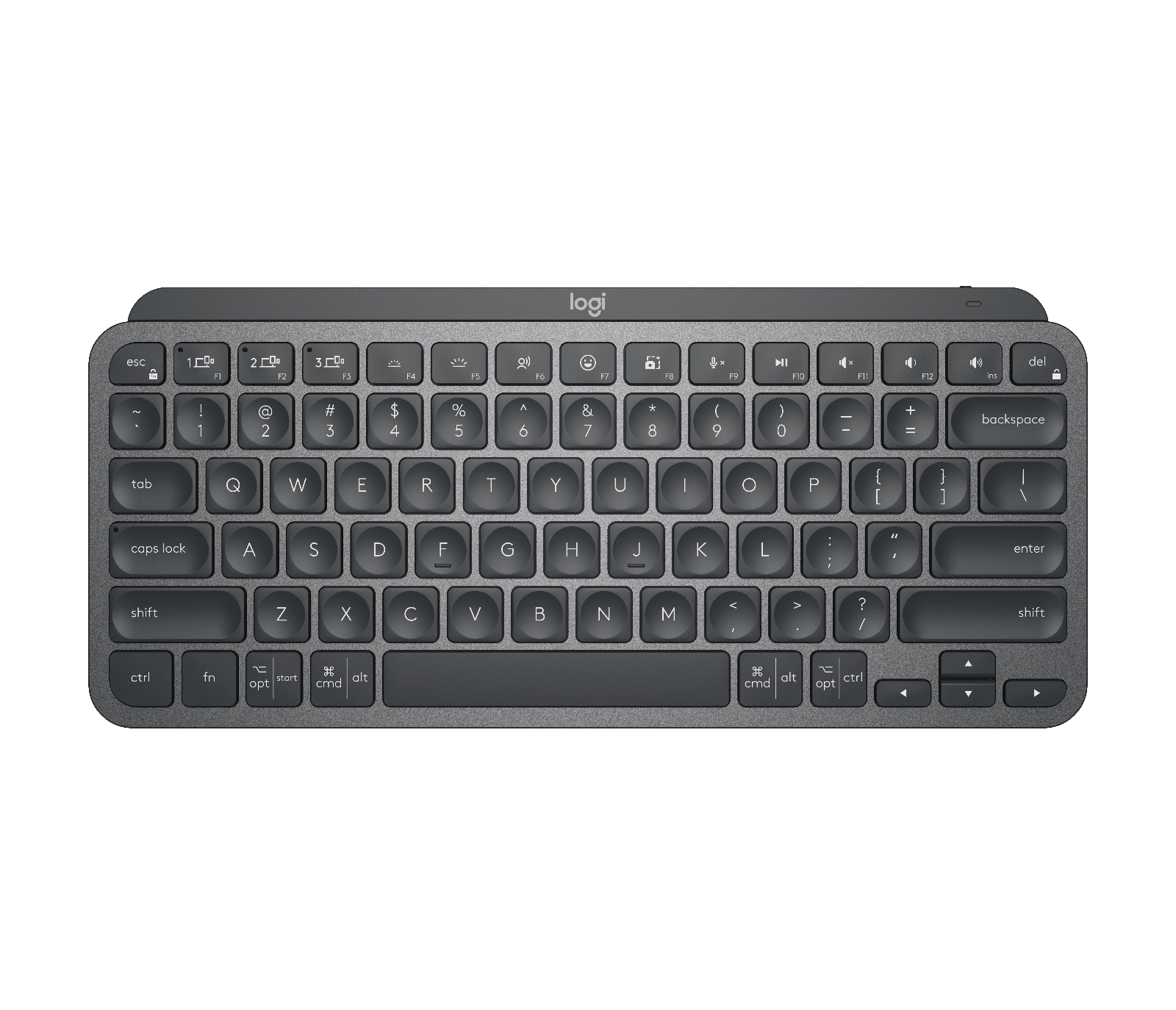
MX Keys Mini gives desk-setup guides a premium but still compact keyboard option for people improving a work area without buying a full workstation.
Buy if
Buy it if you want a smaller keyboard for a laptop-centered desk and care more about typing comfort than RGB lighting or a number pad.
Consider before buying
Skip it if you need a full-size keyboard, mechanical switches, gaming features, or a very low-cost student setup.
 Trending
$99.99
A compact wireless keyboard for cleaner desks and hybrid work setups, with smart backlighting and a strong typing feel.
Editor note: MX Keys Mini gives desk-setup guides a premium but still compact keyboard option for people improving a work area without buying a full workstation.
Best for Travel
Direct product link
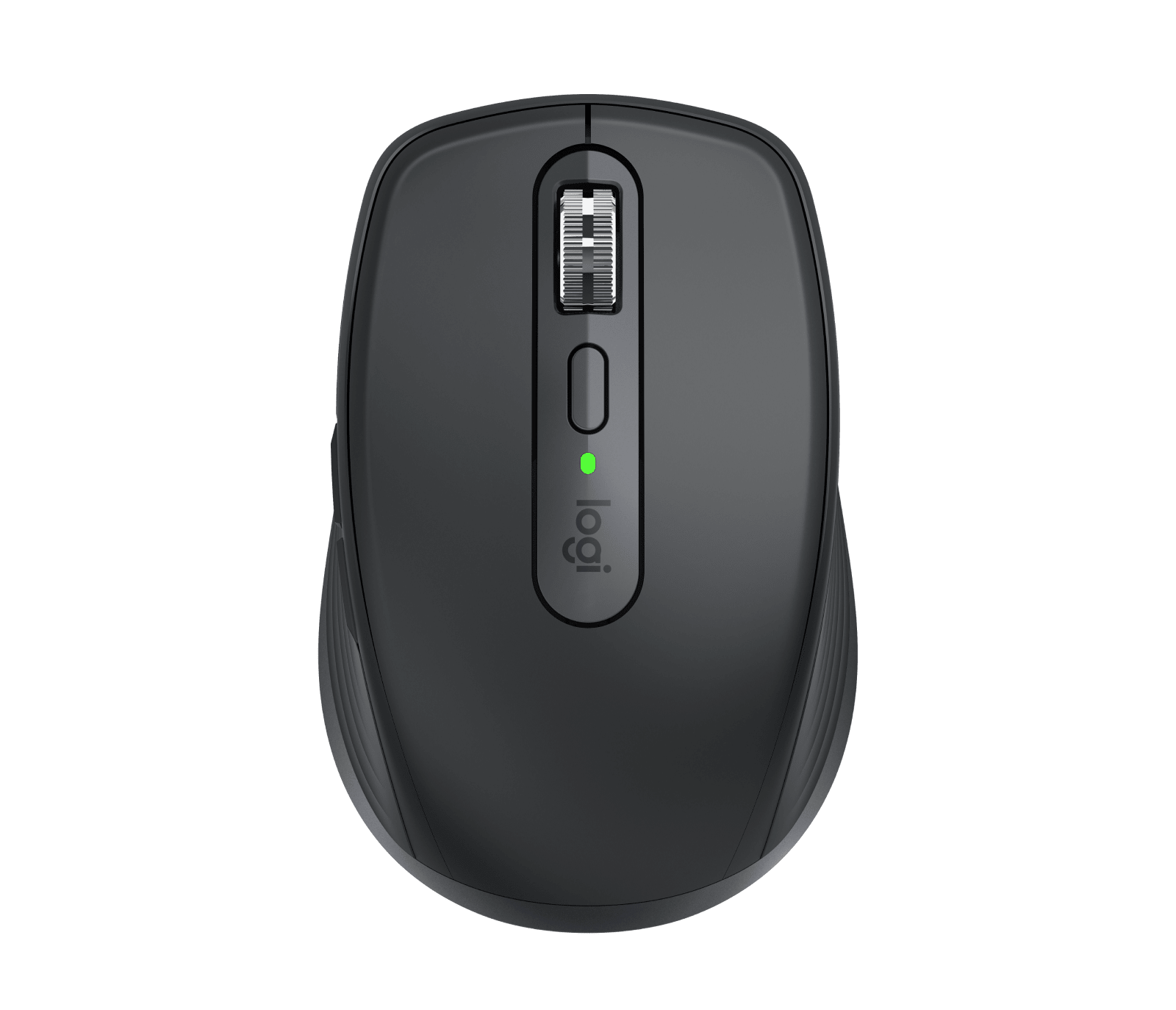
MX Anywhere 3S appears across the most Findsera guides because it bridges travel and desk productivity better than many cheaper compact mice.
Buy if
Buy it if you switch between a home desk, travel bag, and temporary workspaces and want a small mouse that still feels more precise than basic Bluetooth mice.
Consider before buying
Skip it if you only need a cheap spare mouse or prefer a full-size ergonomic shape for all-day desktop use.
 Trending
$76.49
A compact premium mouse for travel desks and hybrid work setups with quiet clicks, fast scrolling, and reliable multi-device switching.
Editor note: MX Anywhere 3S appears across the most Findsera guides because it bridges travel and desk productivity better than many cheaper compact mice.
Best for Office
Direct product link
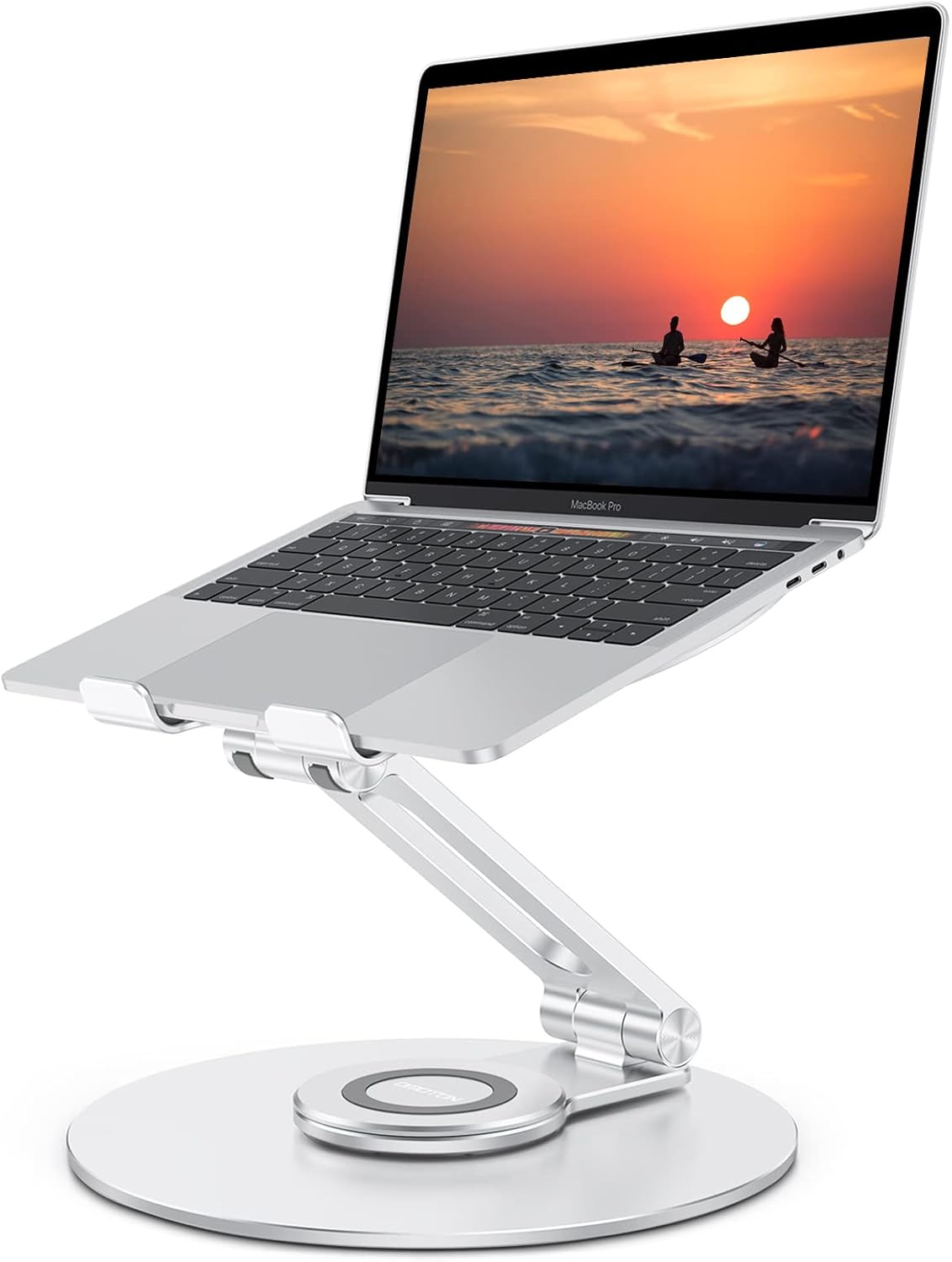
OMOTON is included because laptop height is one of the cheapest high-impact fixes for students, small desks, and hybrid work setups.
Buy if
Buy it if your laptop sits too low on a desk and you want a simple height improvement before spending on a full monitor setup.
Consider before buying
Skip it if you need a highly portable folding stand for travel or already use an external monitor at eye level.
 Trending
$31.99
A foldable aluminum stand that improves viewing height for laptops and helps compact desks feel more ergonomic.
Editor note: OMOTON is included because laptop height is one of the cheapest high-impact fixes for students, small desks, and hybrid work setups.
Best for Office
Direct product link
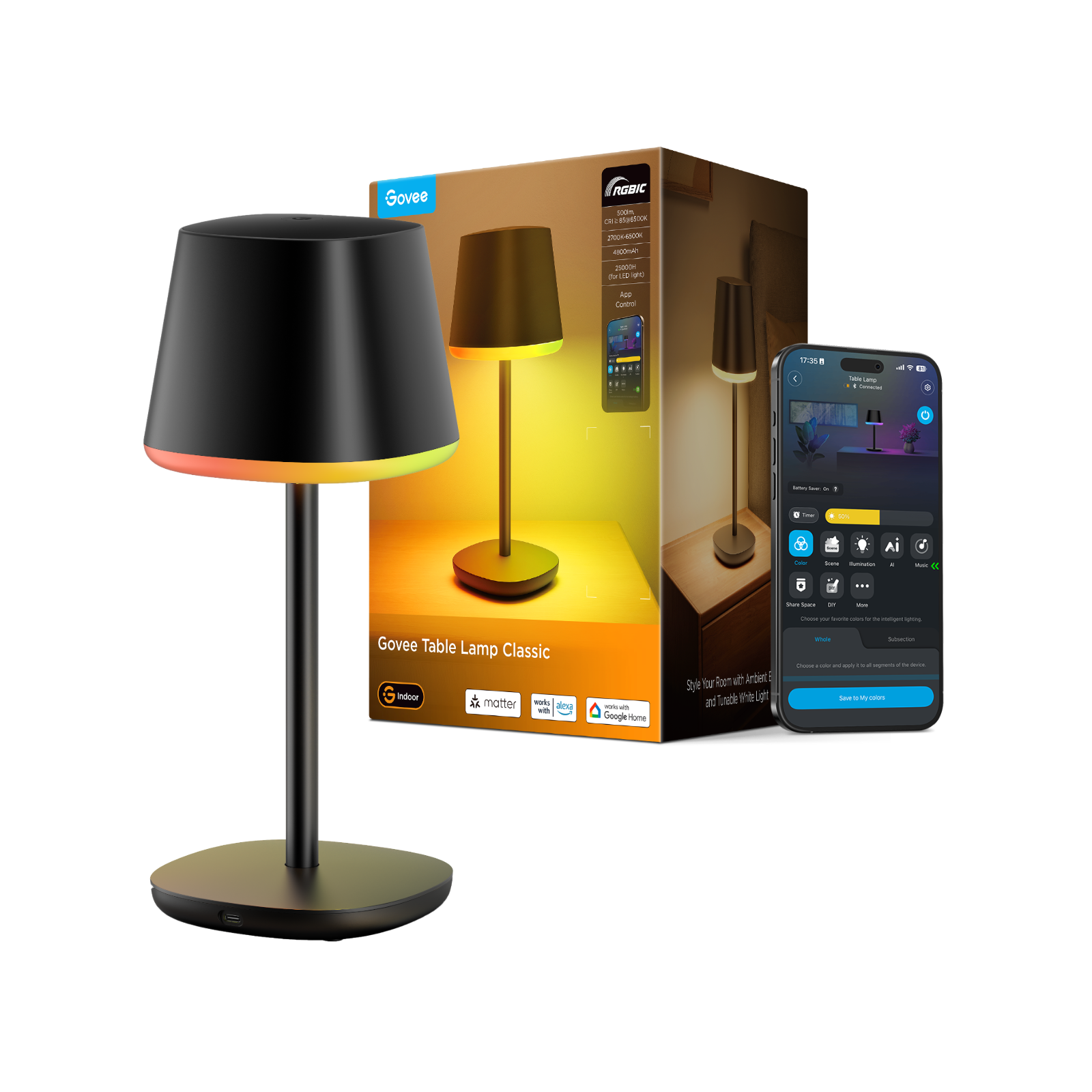
Govee Smart Desk Lamp Pro is included because lighting is a real productivity and comfort upgrade, not just a visual desk accessory.
Buy if
Buy it if your desk needs better task lighting and you also want app or smart-home control without buying separate light strips.
Consider before buying
Skip it if you only need a basic lamp, dislike app-controlled lighting, or want the smallest possible dorm-desk footprint.
 Trending
$89.99
A modern task lamp for home offices and desk setups with adjustable scenes, brighter work lighting, and a cleaner footprint.
Editor note: Govee Smart Desk Lamp Pro is included because lighting is a real productivity and comfort upgrade, not just a visual desk accessory.
Best for Office
Direct product link
Included because desk setup guides need charging products that reduce visible cable clutter while still keeping AC, USB-C, and USB-A options within reach.
Buy if
Buy it if your desk has several chargers or power bricks and you want one compact station for laptop accessories, phones, tablets, and everyday USB gear.
Consider before buying
Skip it if you need a high-wattage USB-C charger for one demanding laptop or a surge strip with widely spaced AC outlets for bulky adapters.
 Trending
$39.99
A compact 7-in-1 desk charging station with AC outlets, USB-C, and USB-A ports for cleaning up workspaces without losing charging flexibility.
Editor note: Included because desk setup guides need charging products that reduce visible cable clutter while still keeping AC, USB-C, and USB-A options within reach.
Use these tags to keep browsing products and guides around the same theme.
Typing, mouse control, laptop height, lighting, and cable access affect the workday immediately. This page stays close to the physical desk instead of drifting into full-room comfort.
A clean desk can still be frustrating if the keyboard, mouse, lighting, or charging setup is weak. Functional upgrades come before visual accessories.
A useful desk setup should not create more clutter than it removes. Compact products work better for apartments, shared desks, and smaller home offices.
Avoid accessories that only look good in a product grid. Stronger pages keep the buyer focused on functional improvements with obvious outcomes.
The needs overlap heavily. Many buyers who want a better desk setup also need small-space products that reduce clutter and make the workspace easier to use.
More buying guides that may help narrow the choice.
Giftable office upgrades
Useful home office gifts that feel thoughtful, practical, and easy to appreciate, even when you do not know every detail of someone’s desk setup.
Home office edit
Home office upgrades for the room around the desk: air quality, warm lighting, cable control, comfort, organization, and better focus routines.
Under $150 office picks
Home office upgrades under $150 that improve comfort and productivity without pushing buyers into full desk-overhaul spending.